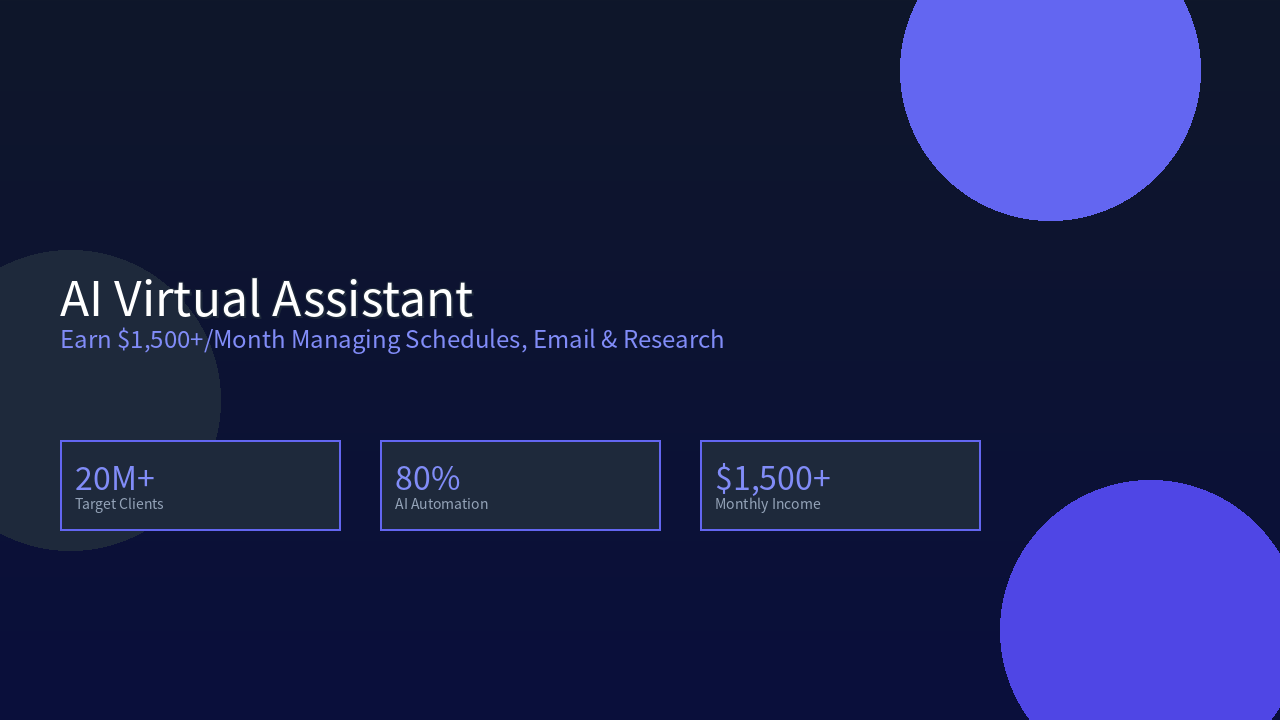
AI Virtual Assistant Side Hustle: Earn $1,500+/Month Managing Schedules, Email & Research
In 2026, there are over 20 million SME founders and executives in China who are drowning in trivial tasks every day — answering emails, scheduling meetings, doing research, organizing documents. They’re willing to pay for “saved time,” but can’t afford a full-time assistant (¥8,000-15,000/month salary) and don’t trust unreliable interns.
This is the opportunity for an AI virtual assistant side hustle: use AI tools to handle 80% of assistant work, serve 10+ clients solo, and earn $1,500+/month.
I started offering this service in January 2026. Today I serve 12-18 clients per month with a monthly income of $1,500-2,800. The best part? You don’t need any assistant experience. As long as you know how to use AI tools and understand basic workplace communication, you can get started.
This article breaks down everything about this side hustle: from toolchains to pricing to client acquisition.
How Big Is the Market? Why Clients Pay
Target Customer Profiles
| Customer Type | Estimated Count | Pain Point | Your Value |
|---|---|---|---|
| Startup Founders | 5M+ | No time for emails, scheduling, research | AI assistant handles daily tasks |
| SME Executives | 20M+ | Too many meetings, overflowing inbox | Efficient scheduling + email management |
| Freelancers/Consultants | 30M+ | Business and personal tasks mixed, low efficiency | Professional time management |
| E-commerce Sellers | 20M+ | Multi-platform operations, can’t reply to all messages | Multi-platform message aggregation + AI replies |
| Content Creators/Instructors | 5M+ | Need to handle business emails while creating content | Email screening + scheduling + document org |
| Overseas Chinese Entrepreneurs | Millions | Time zone issues, need cross-timezone coordination | AI available 24/7, smart timezone conversion |
Why Clients Will Pay You
Real Case: A SaaS founder in Shenzhen was spending 3-4 hours daily on trivial tasks himself. After hiring me for AI-assisted management, he saved 2-3 hours per day at ¥3,000/month — he said it was well worth it.
Core Logic:
- Full-time assistant: ¥8,000-15,000/month salary + benefits + management cost
- AI virtual assistant service: ¥1,000-3,000/month per client, near-zero marginal cost
- Your advantage: 24/7 response + AI efficiency + professional tools + multi-tasking
Key Insight: Your clients don’t need “someone to do things for them” — they need “someone to save them time for more important work.” Price based on the value of saved time, not hours worked.
Income Expectations & Pricing Strategy
Service Package Design
| Package | Content | Pricing | Weekly Hours | Profit Margin |
|---|---|---|---|---|
| Basic | Email screening + scheduling + simple replies | ¥1,500/month | 5-8 hours | 95%+ |
| Standard | Basic + document org + research summaries | ¥3,000/month | 10-15 hours | 93%+ |
| Premium | Standard + meeting prep + travel planning | ¥5,000/month | 15-20 hours | 90%+ |
| Full Service | All services + priority response + multi-platform | ¥8,000/month | 20-30 hours | 88%+ |
| One-time | Single research/organization/writing task | ¥200-500/session | 1-2 hours | 98%+ |
| Monthly Advisor | Weekly 1-hr strategy + daily execution | ¥2,000/month | 5 hr alignment + daily | 95%+ |
Monthly Income Projection
| Stage | Clients/Month | Avg. Price | Monthly Income | Monthly Cost | Net Profit |
|---|---|---|---|---|---|
| Beginner (1-2 mo) | 3-5 | ¥1,500 | ¥4,500-7,500 | ¥100 | ¥4,400-7,400 |
| Growth (3-6 mo) | 8-12 | ¥2,500 | ¥20,000-30,000 | ¥200 | ¥19,800-29,800 |
| Mature (6+ mo) | 12-18 | ¥3,500 | ¥42,000-63,000 | ¥300 | ¥41,700-62,700 |
Core advantage: With AI assistance, email processing is 5-10x faster than manual, scheduling is 3-5x faster, and marginal cost approaches zero.
Tech Stack & Tool Selection
Core Toolchain
| Tool | Purpose | Monthly Cost | Rating |
|---|---|---|---|
| Claude / ChatGPT | Email writing, summarization, research | $20/month | ⭐⭐⭐⭐⭐ |
| Notion / Obsidian | Knowledge management & document org | Free-$10/month | ⭐⭐⭐⭐⭐ |
| Google Calendar / Feishu | Scheduling management | Free | ⭐⭐⭐⭐⭐ |
| Motion / Clockwise | AI-powered automatic scheduling | $19/month | ⭐⭐⭐⭐ |
| Zapier / Make | Automation workflows | $20/month | ⭐⭐⭐⭐ |
| Grammarly | Email grammar checking | Free-$12/month | ⭐⭐⭐⭐ |
| Notion AI | Document organization + summarization | $10/month | ⭐⭐⭐⭐ |
| Superhuman / Amp | Email client (efficient processing) | $30/month | ⭐⭐⭐ |
Recommended Configurations
Starter (best value):
- Claude / ChatGPT Plus ($20/month) + Google Calendar (free) + Notion (free)
- Total: ~¥150/month
- Best for: Getting started, validating market demand
Advanced:
- Claude Pro ($20/month) + Motion ($19/month) + Notion AI ($10/month) + Zapier ($20/month)
- Total: ~¥350/month
- Best for: Stable clients, improved service quality
Professional:
- Claude Opus ($50/month) + Superhuman ($30/month) + Motion ($19/month) + Notion AI ($10/month) + Zapier ($20/month)
- Total: ~¥500/month
- Best for: High-net-worth clients, enterprise projects
Step-by-Step: From Zero to First Client
Step 1: Learn Core AI Assistant Skills (Week 1)
-
Master assistant-scenario prompts for Claude/ChatGPT:
- Email drafting: “Help me write a reply to XX, professional but friendly tone, key points are…”
- Email summarization: “Help me summarize the key points and action items from this email”
- Schedule optimization: “Help me arrange the following meetings in a week, priority is…”
- Research summary: “Help me search for the latest trends in XX industry, organize into a 500-word report”
-
Learn Notion/Obsidian knowledge management:
- Create client profile templates (contacts, preferences, history)
- Create scheduling templates (meetings, to-dos, reminders)
- Create resource library templates (research, reports, reference materials)
-
Learn advanced Google Calendar/Feishu Calendar features:
- Multi-calendar management (work/personal/travel)
- Smart reminders and buffer time settings
- Automatic meeting link generation
Step 2: Build Service Templates & Portfolio (Week 2)
-
Create 5 service examples:
- Email drafting examples (3 scenarios: client reply, meeting invite, business negotiation)
- Scheduling example (weekly schedule + priority labels)
- Research summary example (500-word industry trend report)
- Document organization example (structured summary of a report)
- Meeting prep example (agenda + background + discussion points)
-
Create your service page:
- Publish an “AI Virtual Assistant Service” introduction post on Xiaohongshu/Zhihu
- Create a simple Notion service introduction page
- Prepare a service price list and package description
-
Create demo videos:
- Record 3-5 minute screen captures showing your AI email/scheduling workflow
- Publish on Bilibili/Douyin as trust-building content
Step 3: Build Client Acquisition Channels (Week 3)
Online channels (primary):
| Platform | Method | Expected Results |
|---|---|---|
| Xiaohongshu | Post “AI Assistant Daily” content + service intro | 5-10 consultations/week |
| Zhihu | Answer questions like “How to find a reliable assistant” | Long-tail traffic, continuous leads |
| Jike | Share AI assistant tips | Precise users, high-quality consultations |
| WeChat Moments/Groups | Share service cases and results | Referrals, high trust |
| Taobao/Xianyu | List “AI Virtual Assistant Service” | 1-3 orders/day |
| Upwork/Fiverr | English market, higher prices | $500-2000/month per client |
Offline channels (supplementary):
| Method | Description | Expected Results |
|---|---|---|
| Startup communities | Join local startup communities, share AI efficiency tips | 1-2 clients/month |
| Business schools/EMBA | Students are mostly executives with clear needs | High-ticket clients |
| Optimize profile, post AI assistant content | Overseas/foreign enterprise clients |
Step 4: Standardize Your Workflow (Week 4+)
Client submits request (email/WeChat/form)
    ↓
AI analyzes request type (email/scheduling/research/other)
    ↓
Apply relevant template + AI generates draft
    ↓
Human review + refinement (tone, format, details)
    ↓
Send to client for confirmation
    ↓
Revise based on feedback → Deliver
    ↓
Record to client profile (preferences, history, notes)
Key efficiency tips:
- Build 20+ reusable prompt templates — 80% of requests can use templates directly
- Use Zapier to auto-capture emails, AI auto-generates summaries and reply suggestions
- Use Notion to build client knowledge base, accumulate data with every service
- Set aside 2 hours/week for batch processing (handle a week’s emails and scheduling at once)
Common Client Scenarios & AI Prompts
Scenario 1: Email Management
Client pain point: 50+ emails daily, can’t tell what’s important, replying takes too long.
Your solution:
- Auto-classify emails with AI (urgent/important/delayable/spam)
- Generate email summaries and action items
- Draft replies (adjusting tone to client’s style)
- Set follow-up reminders
Prompt template:
You are a professional business assistant. Help me process the following email:
1. Classify: Urgent/Important/Delayable/Spam
2. Summary: 3 sentences capturing key points
3. Action items: What do I need to do?
4. Draft reply: [email content]
Tone: Professional but friendly, matching [client name]'s communication style.
Scenario 2: Schedule Management
Client pain point: Too many meetings, schedule is chaotic, conflicts and omissions are frequent.
Your solution:
- Plan next week’s schedule every Sunday
- Monitor meeting changes in real-time, auto-adjust
- Set buffer times and reminders
- Generate daily schedule summaries
Prompt template:
You are an efficient scheduling assistant. Help me arrange next week's schedule:
Available time: Monday to Friday 9:00-18:00
Fixed meetings: [list fixed meetings]
Items to schedule: [list items needing scheduling]
Priority: [high/medium/low]
Requirements: No more than 4 meetings per day, at least 15 minutes buffer between meetings.
Scenario 3: Market Research
Client pain point: Needs industry research but no time to search and organize.
Your solution:
- Use AI to search for latest industry information
- Organize into structured reports
- Extract key insights and action recommendations
- Regular updates (weekly/monthly reports)
Prompt template:
You are an industry researcher. Help me research the latest developments in [industry/company]:
1. Market size and trends (2024-2026)
2. Key competitors and their moves
3. User pain points and demand changes
4. Technology development trends
5. Implications and recommendations for us
Output: Structured report under 500 words with data support.
Risk Warnings & Mitigation Strategies
| Risk | Mitigation |
|---|---|
| Client data security | Sign NDAs, use encryption tools, don’t store sensitive data |
| AI-generated content errors | Human-review all outputs, create checklists |
| Unrealistic client expectations | Clearly define service scope and response times |
| Increasing competition | Continuously learn new tools, build differentiation (vertical specialization) |
| Client churn | Build recurring subscription models, provide ongoing value (regular reports, optimization suggestions) |
Summary
The core value of the AI virtual assistant side hustle: use AI efficiency to deliver services that previously required a full-time assistant, at 1/3 to 1/2 the cost.
Key steps from 0 to 1:
- Week 1: Learn AI tools + master assistant-scenario prompts
- Week 2: Build service templates + create portfolio
- Week 3: Set up acquisition channels + publish service intro
- Week 4+: Standardize workflow + serve clients in bulk
With 3 months of persistence, you can build a stable client base and realistically earn $1,500+/month. The key takeaway: you don’t need assistant experience — just AI tools and basic workplace常识.
Start today. Your first client might be in the service post you publish right now.