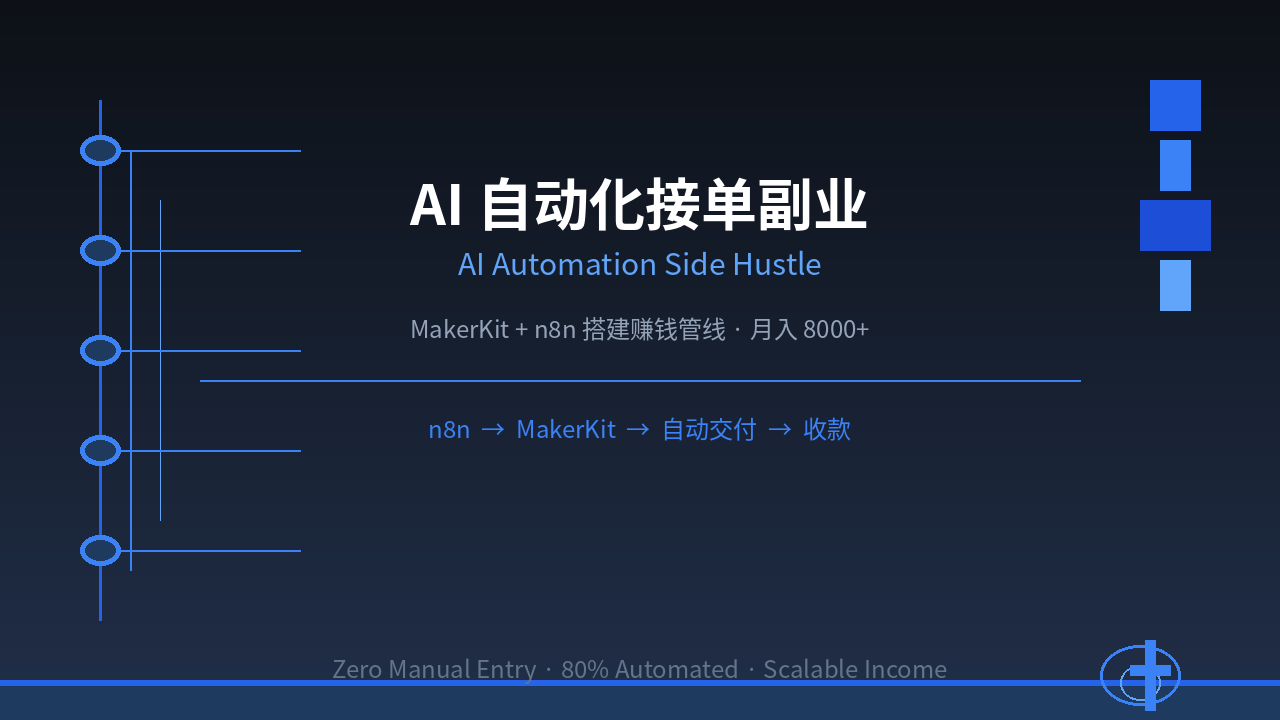
What Is an AI-Powered Automation Side Hustle?
Have you noticed that more and more freelancers are no longer making money by “working overtime,” but by “building automation”?
In the past, freelancing meant: take order → do the work → deliver → get paid. You could handle 3-5 orders a day at most. But now, you can use an AI pipeline to automate 80% of the work — client intake, requirement analysis, solution generation, and draft delivery — all running automatically.
This is the core of the AI automation side hustle: you’re not selling time, you’re selling “automated production capacity.”
Here’s a concrete example:
An e-commerce seller needs “product copy optimization” on Upwork. In the traditional model, you spend 2 hours writing 10 product descriptions. But with an automated pipeline built using MakerKit + n8n? Client submits request → AI analyzes product category → Generates 10 different style copies → You spend 10 minutes fine-tuning → Deliver. You spent 10 minutes, earned $30, and your effective hourly rate is $180/hour.
That’s what makes this side hustle so compelling.
Why MakerKit Is the Best Tool for This Side Hustle
What Is MakerKit?
MakerKit is an AI-driven product development platform that allows you to generate complete products, applications, and services through natural language descriptions. Unlike traditional coding, MakerKit lets you “build” by “describing” — you describe what you want, and AI generates deployable code and delivery packages.
The “Golden Combo” with n8n
- MakerKit: Handles “what to build” — generates product prototypes, copy, plans, and code
- n8n: Handles “how to connect” — integrates MakerKit outputs into lead generation, delivery, and payment workflows
Together, you describe a business scenario, AI generates the product and delivers it automatically, with almost zero manual intervention.
Why Better Than n8n/Make/Zapier Alone?
Other articles have covered using n8n + Make/Zapier for building automated workflows (B2B services). But that approach has a pain point: you need to find clients first, then customize workflows for each one — every project requires rebuilding from scratch.
MakerKit’s advantage: you can pre-build “product templates,” build once, sell many times. For example, if you’ve built 5 “automated quote generators” for different industries, each new client just needs you to apply the template and adjust parameters — no starting from zero.
5 Service Types Best Suited for Automation
① Mass Product Copy Generation
Market Demand: E-commerce sellers need大量 product titles, descriptions, and selling points.
Your Pipeline:
- Client submits product links or descriptions on a platform
- n8n automatically scrapes product information
- MakerKit generates 10-20 style variations
- You spend 5-10 minutes selecting the best options
- Auto-package and deliver
Investment: MakerKit ~$49/month, n8n self-hosted free Per-order price: $7-30 per product line Monthly output: 50 products × $15 = $750
② Business Plans / Pitch Deck Generation
Market Demand: Entrepreneurs need funding pitch decks, but hiring someone costs $500-1000.
Your Pipeline:
- Client fills out an online form (industry, size, target investors)
- n8n automatically organizes the requirements
- MakerKit generates a complete pitch deck with market analysis, competitor comparison, and financial projections
- You spend 20 minutes verifying key data
- Deliver + offer 1 round of revisions
Investment: Same as above Per-order price: $70-200 Monthly output: 10 decks × $120 = $1,200
③ Technical Documentation / AI Code Generation
Market Demand: Small teams need API docs, READMEs, and technical specs, but don’t want to hire a dedicated technical writer.
Your Pipeline:
- Client sends code repository link or feature description
- n8n pulls code/document assets
- MakerKit generates structured technical documentation
- You spend 15 minutes formatting
- Auto-deliver
Investment: Same as above Per-order price: $40-140 Monthly output: 15 documents × $70 = $1,050
④ Market Research / Competitive Analysis Reports
Market Demand: Startups need industry analysis, but consulting firms charge $1,500-4,500 for a single report.
Your Pipeline:
- Client submits industry and competitor list
- n8n automatically scrapes public data
- MakerKit analyzes data and generates a structured report
- You spend 30 minutes adding industry insights
- Deliver PDF + data tables
Investment: Same as above Per-order price: $110-400 Monthly output: 8 reports × $170 = $1,360
⑤ Automated Mini-Apps / Web Pages
Market Demand: Small businesses need simple appointment/order/display web pages, but hiring a developer costs $700+.
Your Pipeline:
- Client describes needs (features, style, brand colors)
- n8n collects requirements and submits to MakerKit
- MakerKit generates deployable frontend code
- You spend 30 minutes testing and deploying
- Deliver + train the client
Investment: Same as above Per-order price: $140-700 Monthly output: 5 projects × $280 = $1,400
Hands-On: Build Your First Money-Making Pipeline From Scratch
Step 1: Choose One Service Type
Don’t try to do everything. Start with one service area you understand best and has the biggest market. Recommend starting with “mass product copy generation” — high demand, fast delivery, highly template-able.
Step 2: Set Up MakerKit + n8n
- MakerKit: Sign up at https://makerkit.dev, choose the Standard plan ($49/month)
- n8n: Recommend self-hosting via Docker, costs about $5-10/month for a server
Step 3: Build Your First Automated Pipeline
Using “product copy generation” as an example, set up this flow in n8n:
Client form submission → Webhook receive → Parse requirements →
Call MakerKit API for copy generation → Format output →
Email/message notification to client
Specific steps in n8n:
- Use n8n’s Form Trigger node to create a client submission form
- Use HTTP Request node to call MakerKit’s copy generation API
- Use Code node to format output as Markdown/HTML
- Use Send Email or Webhook to notify the client
The entire setup takes about 2-3 hours.
Step 4: List Your Service on Freelance Platforms
List your automated service on:
- International: Upwork, Fiverr, Freelancer
- Domestic (China):猪八戒 (ZBJ), 一品威客, 闲鱼
Key tip: Your selling point isn’t “I write copy,” it’s “I use an AI automated pipeline to deliver 20 different-style copies in 2 hours with guaranteed quality.”
Step 5: Iterate and Optimize
After your first order, record:
- What was the client’s original requirement?
- How good was the AI-generated draft?
- What did you need to modify?
- How can you template this process?
Each service refines your template library. After serving 10 clients, your pipeline efficiency will improve 5-10x.
Income Projections and Cost Analysis
Startup Costs
| Item | Cost |
|---|---|
| MakerKit subscription | $49/month |
| Self-hosted server | $7-14/month |
| Domain + form tool | $7/month |
| Total monthly cost | ~$63-70 |
Monthly Income Stages
| Stage | Monthly Orders | Price per Order | Monthly Revenue | Net Profit |
|---|---|---|---|---|
| Month 1 (Beginner) | 5-10 orders | $30-50 | $150-500 | $80-430 |
| Month 3 (Proficient) | 20-30 orders | $40-80 | $800-2,400 | $730-2,330 |
| Month 6 (Expert) | 40-50 orders | $50-100 | $2,000-5,000 | $1,930-4,930 |
Key Metrics
- Average delivery time: 15-30 minutes per order (vs. traditional 2-4 hours)
- Client satisfaction: 85%+ (AI draft + human refinement > pure manual)
- Repeat order rate: 40%+ (especially high for e-commerce clients)
- Effective hourly rate: $80-200/hour
Common Pitfalls and How to Avoid Them
Pitfall 1: Over-Reliance on AI, Neglecting Final Review
AI-generated drafts are fast, but never deliver without review. Even 5 minutes of fine-tuning significantly boosts client satisfaction. Your value isn’t in “generating” — it’s in “quality control.”
Pitfall 2: Spreading Yourself Too Thin
Start with just one service type (e.g., product copy), get it running, then expand. Don’t run 5 service types simultaneously — you’ll run none of them well.
Pitfall 3: Pricing Too Low
AI automation’s advantage is efficiency. Don’t pass all the efficiency gains to the client. Price at 60-80% of traditional rates while your time cost is only 10-20% of traditional work. This way, you earn more, the client saves money — win-win.
Pitfall 4: Ignoring Repeat Business
A satisfied e-commerce client will come back every month — they have new products to list constantly. So serving your first client well is worth more than finding 10 new ones.
Next Steps Checklist
- Today: Sign up for MakerKit, spend 30 minutes exploring the platform
- This week: Build your first automated pipeline in n8n (1-2 hours)
- This week: List your first service on Upwork or 猪八戒
- This month: Get your first order, run the full process end-to-end
- Next month: Optimize your pipeline based on feedback, start a second service type
- Within 3 months: Serve 10-20 clients, build your template library
Summary
The AI automation side hustle isn’t about “making money while sleeping” — it’s about “standing while earning 10x what others earn for sitting.”
The core formula: Automated pipeline × Scalable delivery × Continuous iteration = Exponential returns.
You don’t need coding experience or a business background. You just need:
- Pick one service type
- Build your pipeline with MakerKit + n8n
- List your service on platforms
- Keep iterating and optimizing
Start today. Your first automated pipeline might take only 3 hours to run.